Recommended Software
To have a practical speedrunning setup we recommend having a reliable recording software and speedrun timing software.
Recording
For recording, most speedrunners use ⤤ OBS, although any recording software will do as long as you can upload legible run footage to YouTube. OBS is free and easy to use, and allows for easily streaming to Twitch and locally recording at the same.
For verification purposes we recommend recording at a bitrate and video quality that won’t cause choppy recording while still being legible.
For information on when to start recording and where to upload your runs, see the Intro to NSMBW Speedrunning Video (WIP).
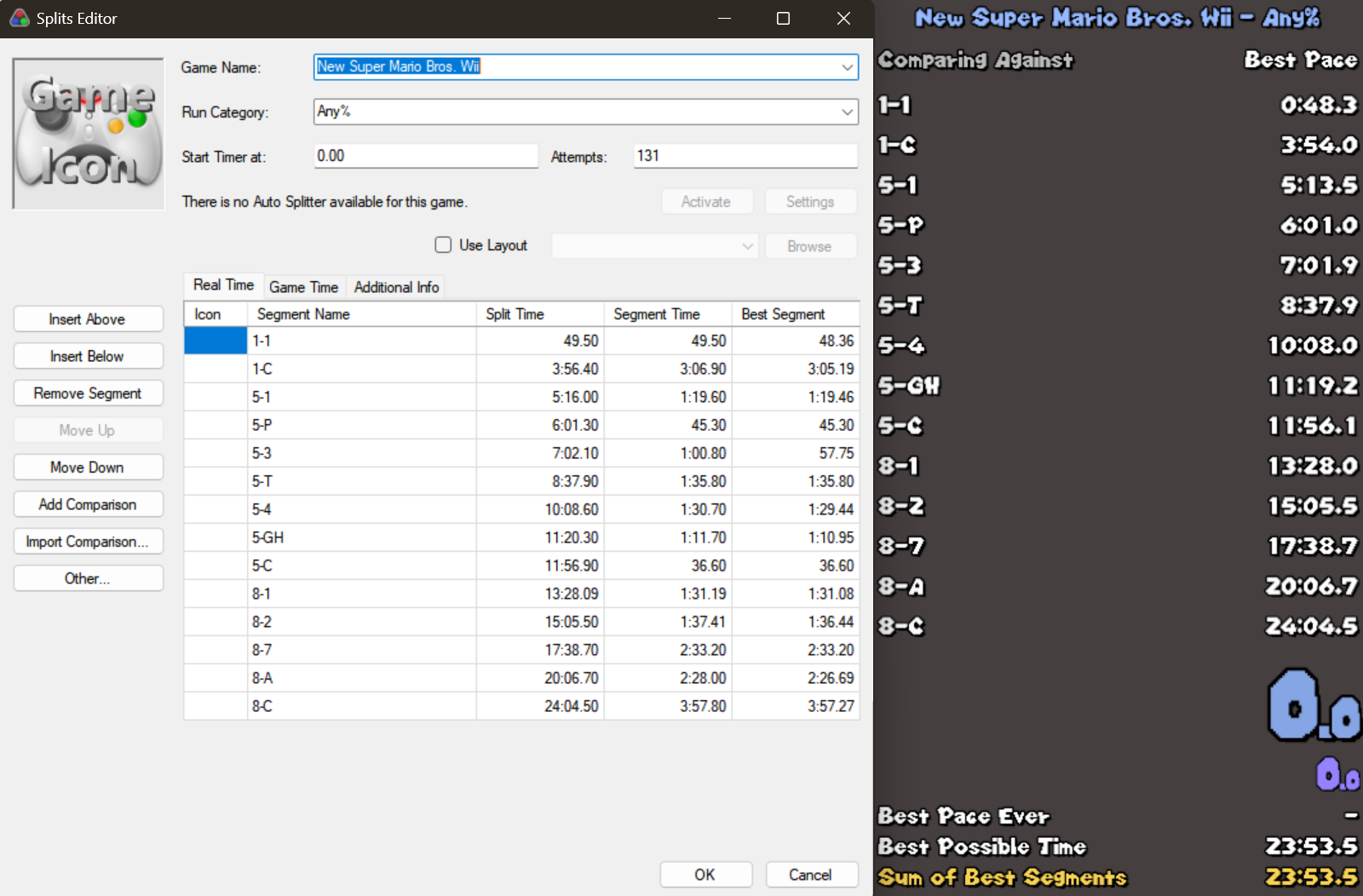
LiveSplit
For Windows users, it is highly recommended to use ⤤ Livesplit. It is highly customizable, free, and dependable.
Mac users can use ⤤ LiveSplit One, the web-based version of LiveSplit.
If you want to use your phone as a speedrun timer, we recommend the app FramePerfect, altough the app’s free features are limited (it only allows for one game & category for free).
For blank splits for all RTA leaderboard categories, go ⤤ here.
Having a timer on your run footage is not required, but it highly recommended. All submitted runs are officially retimed.
Other NSMBW Software
⤤ RootCube’s Load Retimer is the tool we use to retime all NSMBW runs without loads. Very easy to use, dependable, and created by an NSMBW speedrunner.
⤤ Reggie Next is the recommended tool for viewing and editing NSMBW level info. Commonly used for creating NSMBW mods. Requires a copy of the game’s ⤤ Stage Folder.