Practice Resources
All of the resources listed from the introductory Practice Guide.
Mods
A list of NSMBW Mods (Riivolution patches) used for practice.
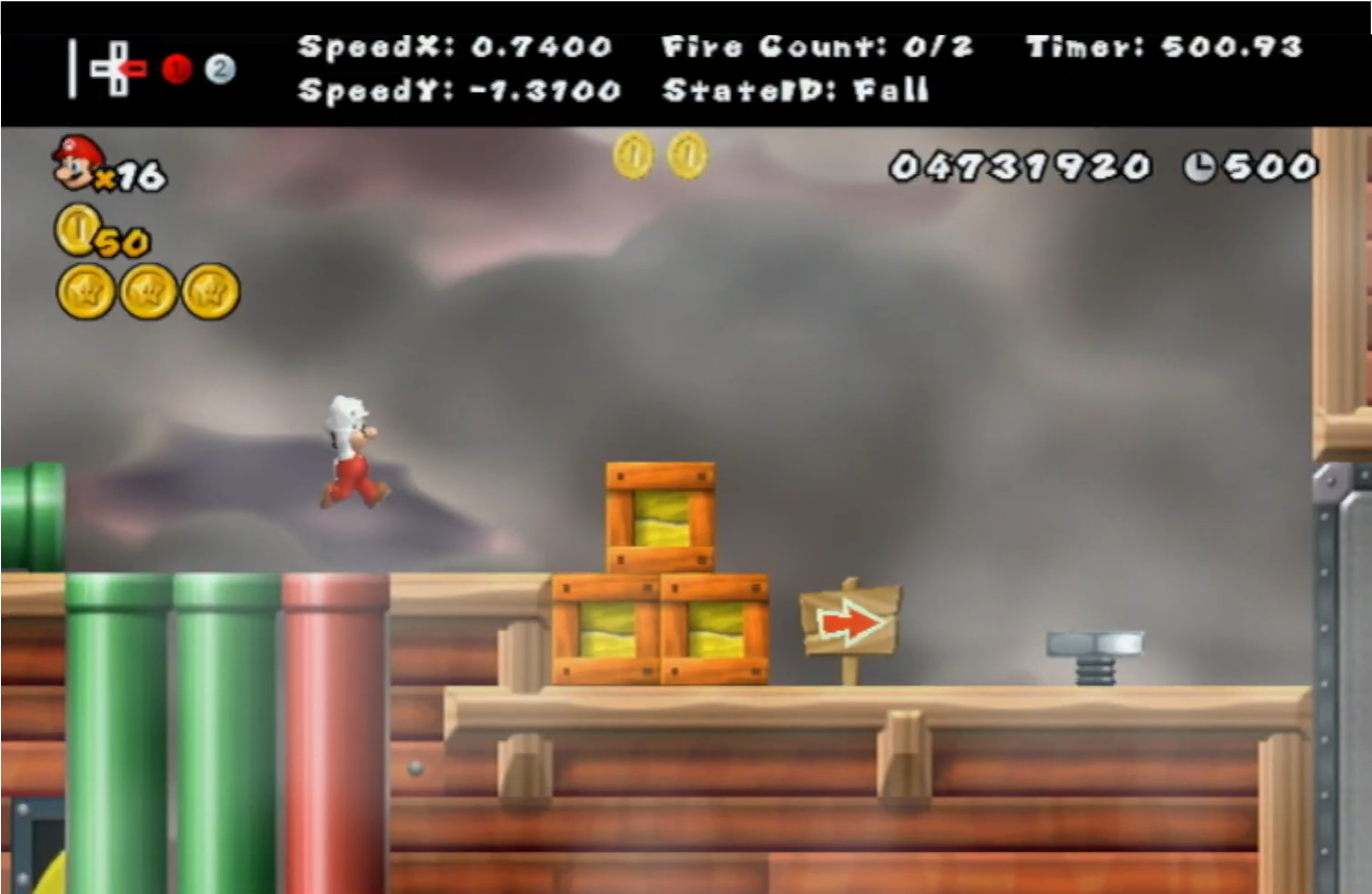
The pipes shown lead to each of the different rooms in 8-A for easy access.
Has Rynnoo’s pipes for accessibility, Roadrunner’s Practice Mode, and MGR’s Info Display + Zoom mods all in one. Can be found in the #resources channel of the NSMBW Speedrunning Server (Invite Link).
Controls:
| Action | Sideways Wiimote (“A”) | Sideways Wiimote (“B”) | Wiimote + Nunchuk |
|---|---|---|---|
| Save state | Minus | Minus | Minus |
| Restore state | A | B | C |
| Reload room (return to original position) | Minus + 1 | Minus + 1 | Minus + B |
| Reload room (keep current position) | Minus + 2 | Minus + 2 | Minus + A |
| Cycle powerup | Minus + B | Minus + A | Minus + Z |
| Toggle star | Minus + D-Pad Up | Minus + D-Pad Up | Minus + Joystick Up |
| Reload stage | Minus + D-Pad Down | Minus + D-Pad Down | Minus + Joystick Down |
| Zoom out | Plus + D-Pad Up | Plus + D-Pad Up | Plus + D-Pad Up |
| Zoom in | Plus + D-Pad Down | Plus + D-Pad Down | Plus + D-Pad Down |
| Toggle zoom | Plus + D-Pad Left | Plus + D-Pad Left | Plus + D-Pad Left |
| Default zoom | Plus + D-Pad right | Plus + D-Pad right | Plus + D-Pad right |
| Visualize Hitboxes | B + 2 | B + 2 | B + 2 |
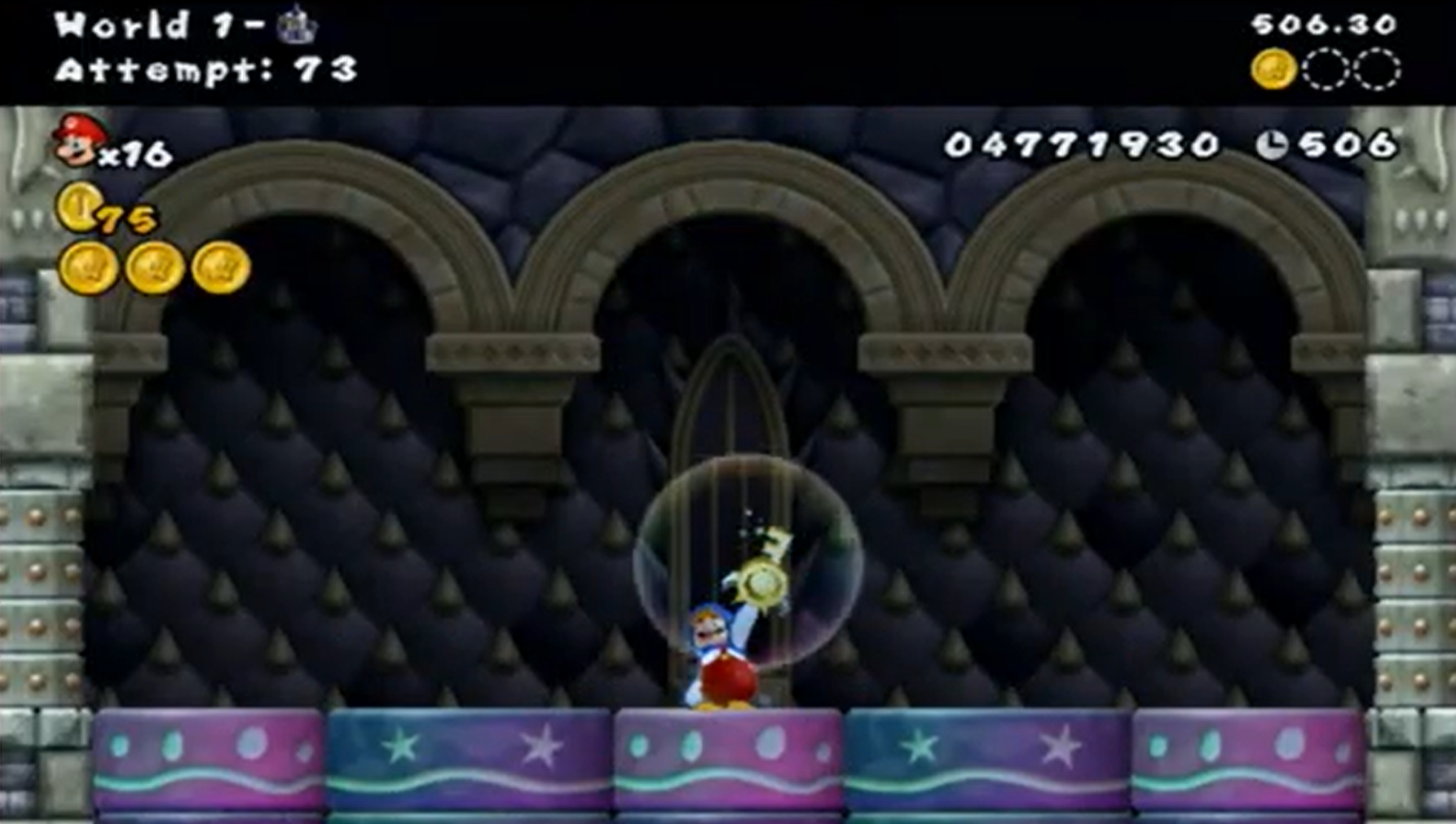
Roadrunner’s mod that is legal for ILs on Speedrun.com. Pressing - will instantly reload a level from the banner loading screen. It also tracks attempts, and provides a precise IGT and star coins acquired in a run after completing the stage.
Roadrunner’s practice mod that uses all of the button combos above minus the zoom features and hitbox visualizer.

An installation for just the Info Display on the top of the screen. Includes Mario’s X/Y speed, precise IGT, an input display, Mario’s current movement state, and a power-up-specific frame timer. This mod is pinned in the NSMBW Speedrunning Server #general channel.
Software
Software we recommend for effective practice.
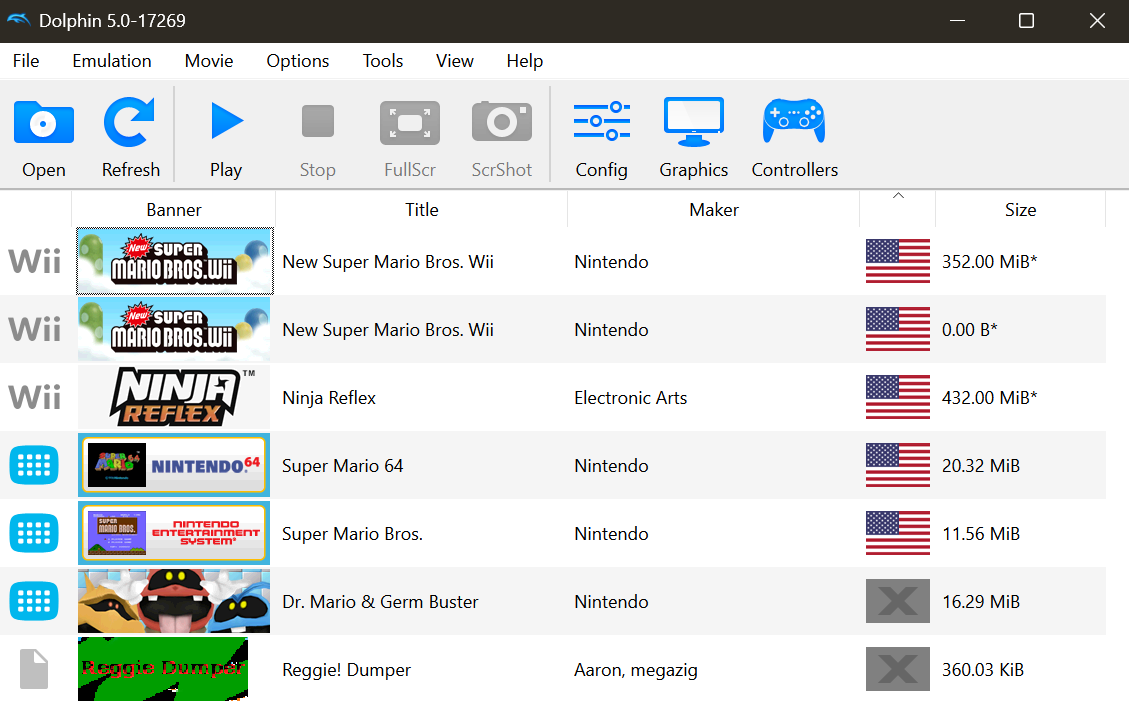
The best Wii (and Gamecube) emulator. Plenty of tutorials are on YouTube for setup. Great for efficient practice if you’re okay with a small input delay.
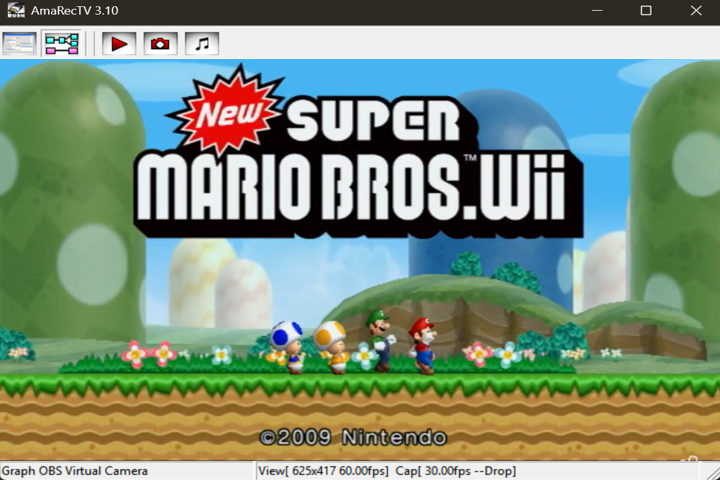
Software used for instant replay. Has built-in frame advance and slow down which is super useful for analyzing gameplay and understanding movement. Program documentation is limited due to it being pretty old and developed in Japanese.